
 EN
EN



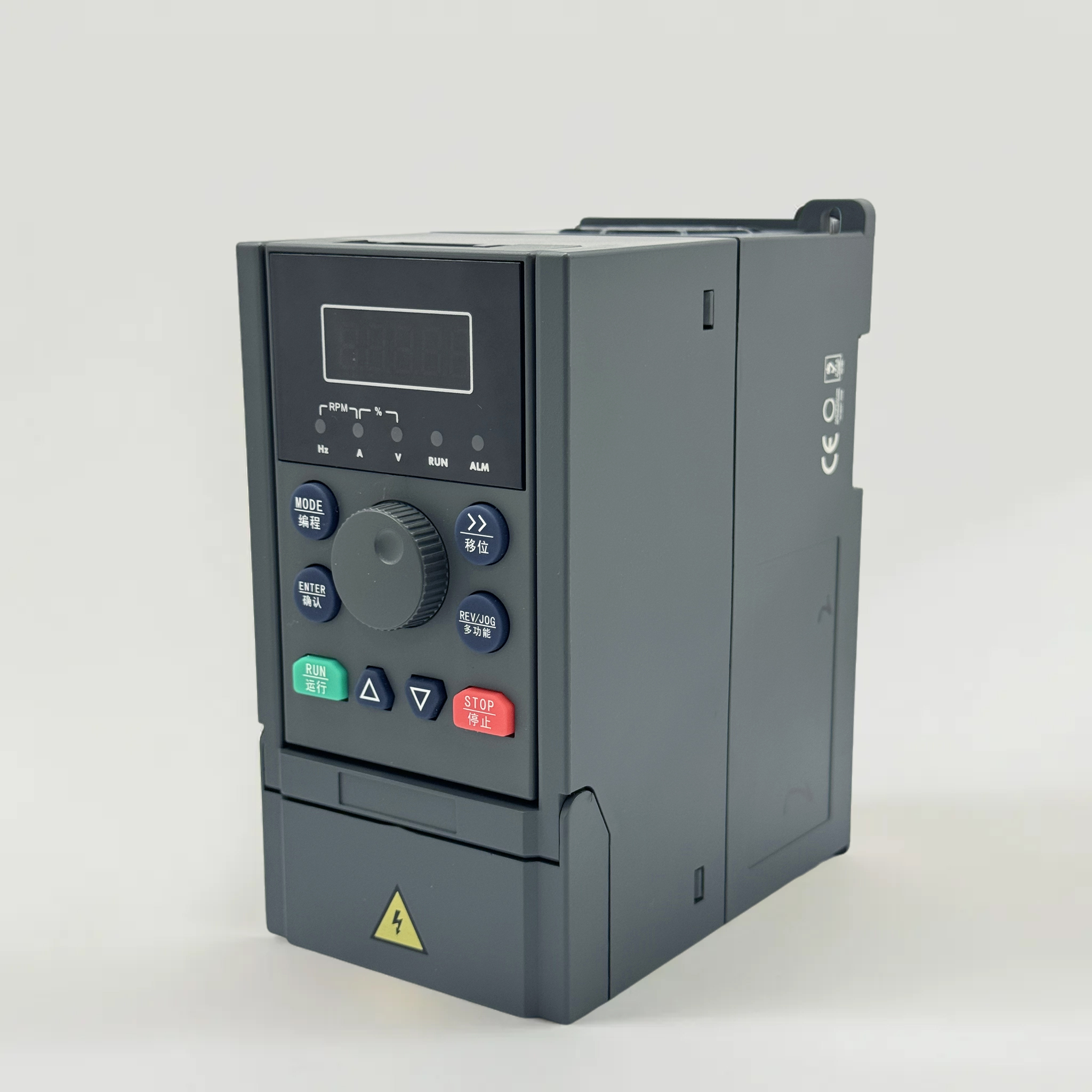
Why Updating VFD Drives Firmware Enhances Performance and Reliability
How outdated firmware degrades torque response, energy efficiency, and process stability in VFD drives
Outdated firmware in VFD drives often relies on suboptimal motor control algorithms that increase torque ripple and delay response to load changes. Field tests from a power quality laboratory indicate that running drives with firmware more than two years old can elevate total harmonic distortion by up to 4 % (Power Quality Lab 2023). Unoptimized switching patterns also raise motor losses, typically reducing energy efficiency by 2–4 % (VFD Field Data 2023). These effects compound in precision applications: even a 10 ms delay in torque adjustment can disturb web tension or cause pump surging. Process stability suffers when drive logic fails to adapt to changing line conditions—outdated firmware may not compensate for voltage sags, leading to nuisance trips or erratic speed regulation. Over time, stress on mechanical components increases, accelerating wear on couplings, belts, and bearings. Systematic review of service records from a global industrial automation provider (2022) revealed that nearly one in five unscheduled downtime events in VFD-driven processes could be traced back to firmware-related performance drift. Maintaining current firmware is therefore not merely a housekeeping task—it directly safeguards torque accuracy, energy consumption, and the repeatability of critical manufacturing steps.
Verified performance gains: 12–18% faster dynamic response and reduced harmonic distortion after VFD drives firmware updates
Upgrading VFD drives firmware delivers measurable improvements in both speed of response and power quality. A 2023 technical white paper from a leading manufacturer of industrial drives documents that after applying the latest firmware, dynamic torque response during load steps accelerates by 12–18 %. This gain is especially valuable in applications such as packaging or machine tools, where rapid load changes demand instantaneous compensation. Simultaneously, harmonic distortion on the supply side drops substantially: in a 2022 field evaluation across 40 VFD installations, average current total harmonic distortion fell by 32 % after firmware updates. The reduction helps facilities stay within IEEE 519 limits without additional filtering and eases stress on upstream transformers and capacitors. Maintenance teams reported 27 % fewer false overcurrent trips in the first six months post-update—indicating improved motor protection coordination. These verified outcomes highlight that VFD drives firmware updates are a targeted, low-cost lever for unlocking hidden performance reserves and extending equipment life.
Step-by-Step VFD Drives Firmware Update Process
Manual update using OEM tools (e.g., PowerFlex Studio, DriveExplorer): prerequisites, file verification, and safe execution
A successful manual firmware update on VFD drives begins with thorough preparation. First, back up the current parameter set using the OEM software to preserve all customized settings. Confirm the motor is safely disconnected from the process, and ensure the drive’s control power remains stable throughout the procedure. Download the firmware file only from the manufacturer’s verified portal—never from a third-party site—and match its checksum against the official value to rule out corruption. In the OEM tool, verify that the downloaded version is explicitly listed as compatible with the target VFD drive model, hardware revision, and existing communication options.
Connect the engineering laptop via the recommended isolated USB-to-serial or Ethernet adapter—not through a live plant network. Launch the update wizard and follow each on-screen prompt without skipping steps; do not disconnect cables, cycle power, or launch other applications until the tool confirms completion. After the firmware is loaded, perform a full power cycle and re-upload the saved parameter file. Then methodically compare key parameters—motor data, ramp times, and protection thresholds—against the backup to catch any silent overwrites. Only then should you re-enable the output contactor and run a low-speed test to validate torque and direction before returning the drive to normal operation.
When automatic firmware updates for VFD drives are appropriate—and critical red flags that require manual intervention
Automatic firmware delivery is practical for non-critical VFD drives that run simple open-loop applications, where a quick reboot has minimal operational impact. It works well when a manufacturer patches a minor bug that does not alter control algorithms, communication protocol stacks, or parameter mappings. However, automatic updates on VFD drives controlling essential pumps, fans in hazardous areas, or synchronized multi-motor lines carry substantial risk. A new firmware version may introduce subtle timing changes that disturb coordinated motion or break integration with the higher-level automation system.
Industry caution is warranted: an update can solve one known issue yet create incompatibilities that stop a process entirely. Never allow automatic firmware installation if the drive contains a customized parameter set tuned to a specific mechanical load, or if the system lacks a verified rollback path. Also, if the updated firmware changes the register map for fieldbus communications, re-commissioning will be required. In these scenarios, always suspend automatic pushes and follow the manual procedure with a pre-defined validation sequence to protect uptime.
Post-Update Validation: Firmware and Parameter Alignment for VFD Drives
After a firmware update on VFD drives, thorough validation ensures the new code is correctly installed and all drive parameters remain aligned with application requirements. Begin by verifying the firmware version and checksum match the intended release to prevent silent corruption. Next, reconcile the parameter set—a mismatched acceleration ramp or undervoltage threshold can cause nuisance trips or suboptimal motor control. Critical checks include verifying communication protocols (e.g., Modbus, EtherNet/IP) and I/O mappings, testing protective functions like stall prevention and overload curves, and confirming motor autotuning data is intact. A structured validation sequence reduces the risk of latent issues.
| Validation Step | Purpose | Verification Method |
|---|---|---|
| Firmware integrity | Ensure no bit errors | Checksum comparison (CRC-32) |
| Parameter alignment | Confirm all settings match pre-update values | Upload parameter file vs. backup XML/CSV |
| Motor data verification | Avoid torque/speed miscalibration | Re-run autotune and compare resistance, inductance values |
| Communication diagnostics | Prevent network dropouts | Read/write test on fieldbus registers |
| Protection function test | Validate overcurrent, thermal, and stall protection | Simulate borderline conditions via test mode or external signal injection |
| Log analysis | Detect latent errors flagged in firmware | Review fault history and runtime data from the drive’s memory |
Consistent validation after every firmware update helps maintain the expected dynamic response and energy efficiency gains. It also protects the investment in VFD drives by ensuring the hardware operates within safe limits under all load conditions.
Real-World Results: VFD Drives Firmware Update in an Industrial Pumping System
Resolving nuisance trips, improving motor protection coordination, and extending MTBF by 35% post-VFD drives firmware update
An industrial pumping station repeatedly suffered sporadic overcurrent trips and erratic thermal alarms, disrupting water supply and triggering unplanned maintenance. Diagnostic logs pointed to outdated VFD drives firmware that mishandled load transients and delayed protective relay coordination. After applying the manufacturer’s validated firmware package, the drives correctly interpreted instantaneous current peaks, eliminating false trips. Motor thermal protection logic was refined to align overload curves with actual pump duty cycles, preventing unnecessary shutdowns while still guarding against true overheat conditions. The updated firmware also enabled finer response to pressure fluctuations, reducing mechanical stress on seals and bearings. A 12-month performance review revealed a 35% improvement in mean time between failures (MTBF) across the pump fleet, driven by fewer electromechanical faults and smarter protection sequencing. These gains highlight how a focused firmware refresh on VFD drives can transform a troubled system into a stable, low-maintenance asset without hardware replacement.
FAQ
What is the importance of updating VFD drive firmware?
Updating VFD drive firmware enhances torque response, energy efficiency, and process stability while reducing system downtime and maintenance costs.
How often should I update VFD firmware?
It's recommended to update VFD firmware every 1–2 years, or as soon as the manufacturer releases a new version to patch bugs or improve performance.
What precautions should I take before performing an update?
Back up all parameters, verify firmware compatibility, and ensure stable power during the update process to avoid errors or corruption.
Can automatic updates be used for all VFD drives?
Automatic updates are suitable for non-critical applications but should be avoided for essential drives or systems reliant on precise coordination.
What steps should I follow after a firmware update?
Validate firmware integrity, check parameter alignment, conduct motor retuning if necessary, and verify communication protocols and protection functions.